
01
Security camera installation
Professional camera installation for homes and businesses.

Protection through careful design
CCTV installation in Sparta and modern security systems throughout Laconia. Carefully planned solutions for your home and business.
01 / Services
Reliable technology solutions tailored to your property.
Professional camera installation for homes and businesses.
Modern high-definition digital surveillance systems.
Solutions for video recording, management and storage.
View your compatible system from a smartphone or tablet.
Modernise and improve existing installations.
Tailored protection for commercial and residential properties.
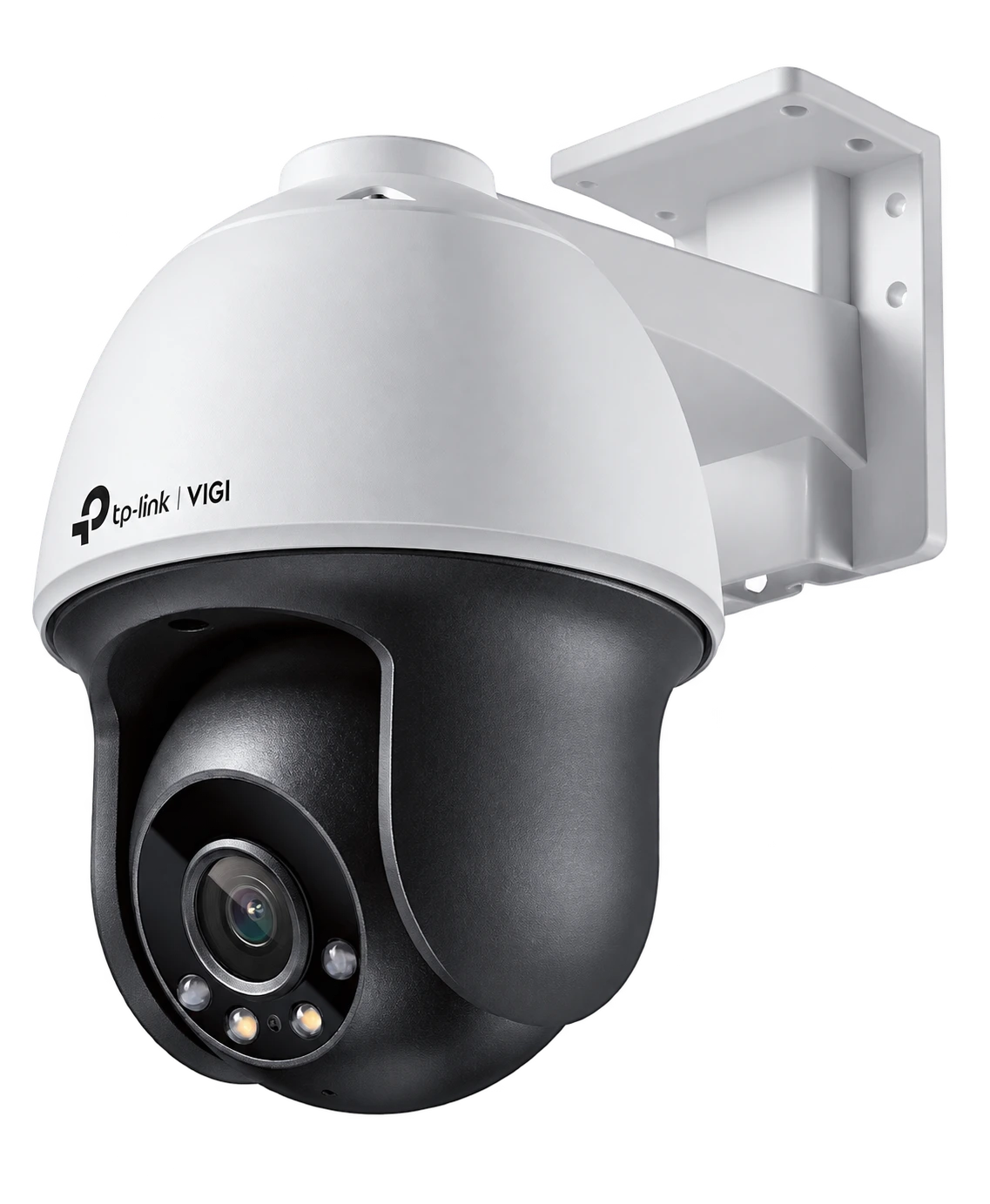
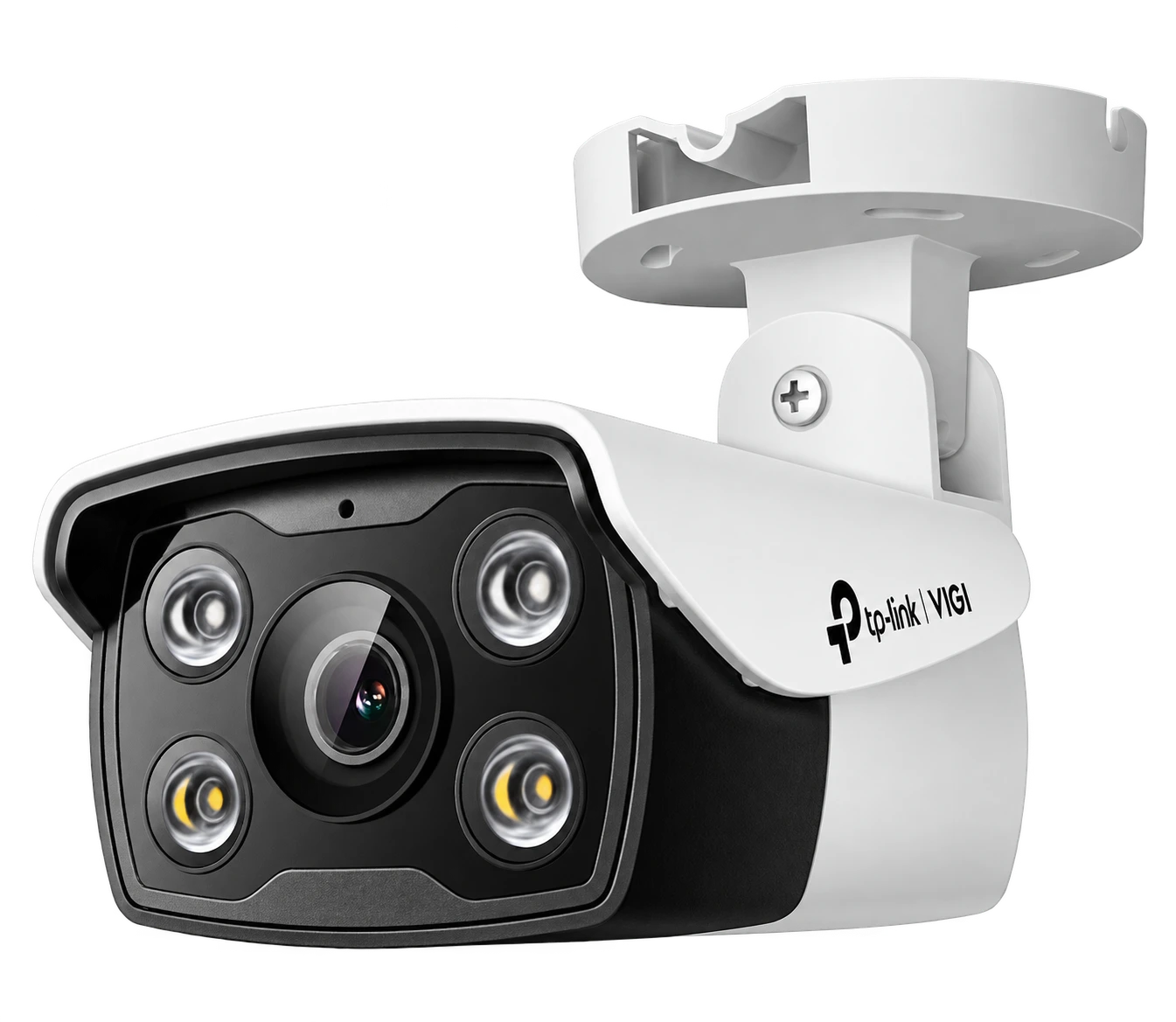
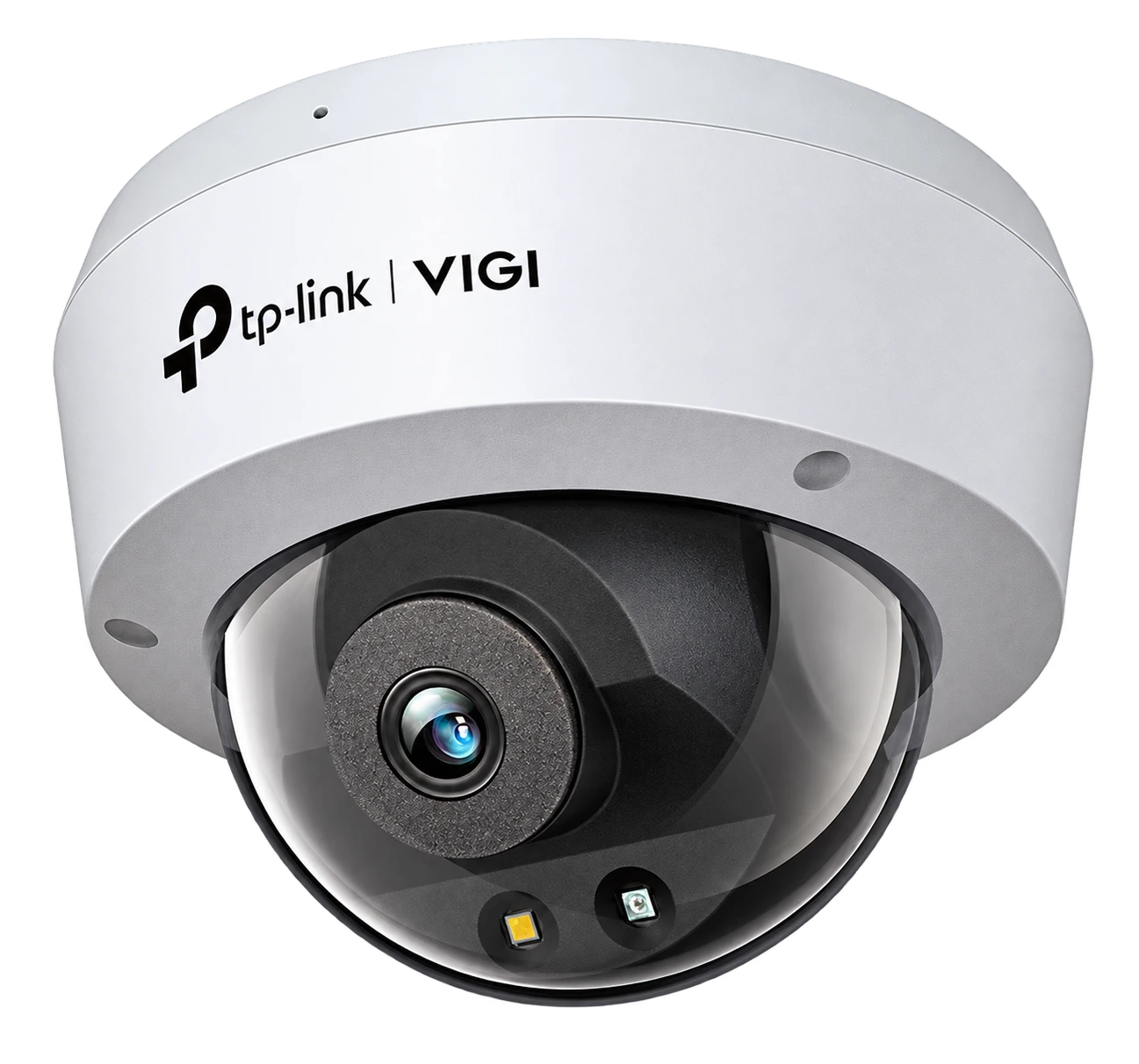
Illustrative VIGI camera types. Equipment is selected according to your property and coverage needs.
02 / Our approach
Every property has different needs. Finding the right solution starts with understanding them.
Equipment and coverage positions selected for your layout and how you use the space.
Attention to positioning, tidy cabling and a considered finish.
Video and recording solutions that meet everyday requirements.
Straightforward system management and guidance on essential functions.
03 / Service area
From Sparta and its surrounding areas to homes and businesses throughout Laconia.
Tell us about your location and property requirements so we can plan your system installation.
Talk to us ↗04 / Frequently asked questions
Practical answers about choosing a CCTV system, recording and everyday use.
IP cameras transmit digital video over a network, usually to an NVR. Analogue systems typically use coaxial cable and a DVR. The right choice depends on existing wiring, image requirements and budget.
A compatible camera can store video on a microSD card, while a recorder centralises footage from several cameras. A card remains inside the camera and may be lost with it. Some systems support both options together.
Not necessarily. A card is a storage medium, not a recording mode. Depending on the model, a camera may record continuously, on a schedule or when an event is triggered.
Continuous recording stores the entire configured period. Event recording stores video when a rule, such as motion detection, is triggered. Event recording usually saves space but depends on suitable detection settings.
A properly configured, powered system can record locally without Internet access. Remote viewing, cloud services and notifications generally require a connection.
Compatible systems offer live viewing and playback through an app. Remote use requires suitable configuration, access permissions and an adequate Internet connection.
There is no single figure for every system. Capacity, camera count, bitrate, compression and recording schedule determine storage duration. Permitted retention must be assessed separately for the use case and applicable rules.
When overwrite recording is enabled, newer footage replaces the oldest files. Behaviour depends on the device and settings. Important footage should be exported promptly.
Choose a card with capacity and speed supported by the camera. High-endurance cards designed for surveillance suit frequent recording. Cards require health checks and have a finite lifespan.
DVRs mainly work with analogue cameras; NVRs work with IP cameras. Hybrid solutions also exist. Signal type, resolution, channel count and compatibility must be checked before upgrading.
Wired connections offer more predictable network communication. Wi-Fi can simplify some placements but is affected by distance, obstacles and interference. Most Wi-Fi cameras still need a power supply.
Power over Ethernet supplies data and power to compatible IP cameras through one network cable. It requires a suitable switch or recorder with an adequate power budget.
Models with infrared illumination or suitable low-light technology can capture images at night. Usable detail depends on the lens, distance, lighting and scene.
Camera count depends on entrances, important areas and potential blind spots. Placement and lens selection matter just as much as the number of cameras.
Without backup power, equipment stops. A correctly sized UPS can keep cameras, the recorder and network equipment running for a limited time depending on the load.
This depends on capabilities and settings. Detection zones, schedules and supported person or vehicle classification can reduce unwanted alerts, but cannot eliminate every error.
Often yes, after checking cables, power and compatibility between cameras and recorder. It may not be possible to retain every existing component.
Check image quality, recording, system time and storage health, and clean lenses appropriately. Frequency depends on the environment and manufacturer guidance.
Useful details include location, property type, entrances, existing wiring and whether you need local or remote viewing. Do not send sensitive access details or passwords.
05 / Let’s talk
Contact us for security camera installation in Sparta and across Laconia. We will discuss your needs and a suitable solution for your property.
Get in touch
+30 694 252 3981The right solution starts with a conversation.
Call us ↗Message us on Viber ↗